ESP32 and Mpu9250
While looking for an improvement to the browsing method in 3D space, I tried using an external control method using mpu9250.
I explored controlling a 3D object on the web using an ESP32 and MPU 9250. I chose the ESP32 because it has similar functions to an Arduino but also supports Bluetooth, allowing wireless communication with the computer. Browsing a 3D space this way feels simpler and more intuitive than using a keyboard or mouse.
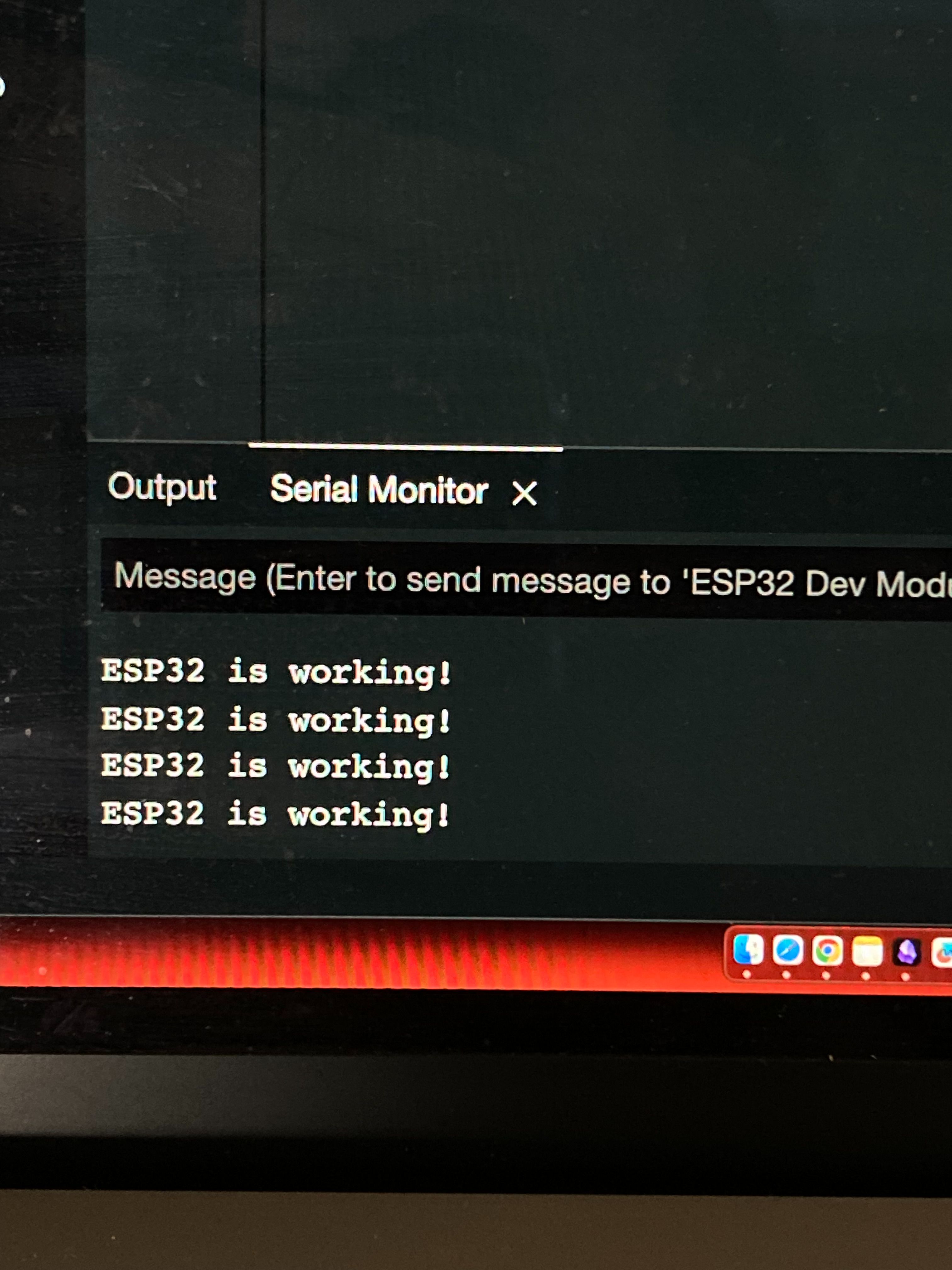
I had some difficulties connecting it because of the complicated wiring process, pairing with the laptop, and the need to use the same Wi-Fi as the laptop due to the nature of the ESP32 machine, but I eventually succeeded in connecting it.
Apply to the Cube
I improved my code based on feedback from Jake to connect the mpu9250 to my cube object.
Because it wasn't working properly and only showed stiff movements of about 90 degrees, I decided to improve it by slightly modifying the camera position and location and adding animation to make it run smoothly.
I finally had smooth animations and accurate camera movements, but there were still a lot of areas that needed improvement and consideration.
However, since using this device was my own decision, I had to think more about it in relation to RPO and my project topic. I felt that using this device did not help much with nonlinear movement through web design, and also, in terms of developing a replacement for scrolling, using an external device did not fit the purpose of the project. Therefore, I decided to stop developing further and wait for Andreas to give me feedback.