CID Lab : Arduino
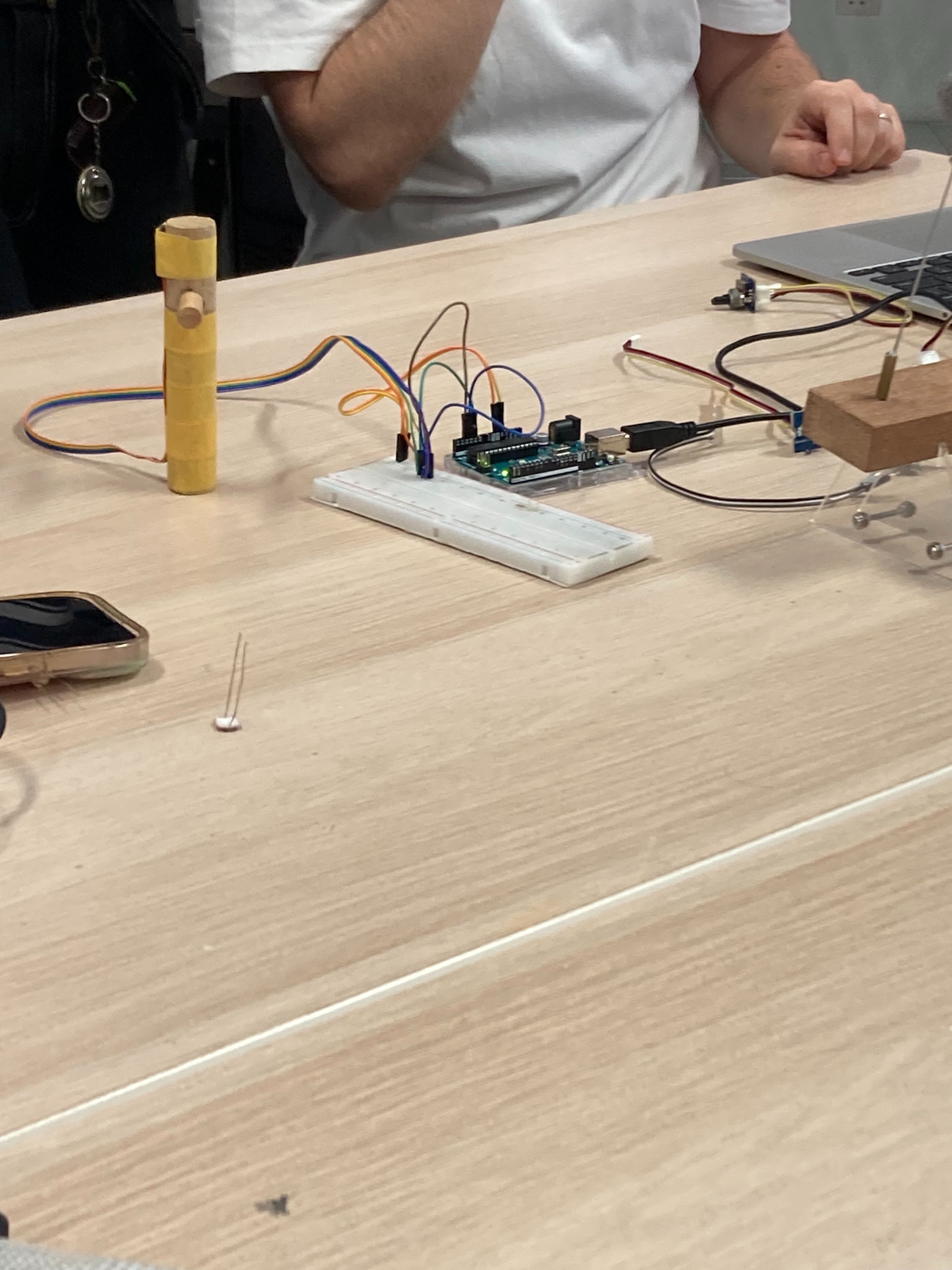
I participated in a computation lab aimed at solving the technical challenges we are currently facing. The lab focused on various tools, particularly Arduino, which made the sessions engaging. Although I haven't encountered specific technical issues yet—since I’ve only conceptualised my project after the WIKIcube—I found the lab particularly valuable. It rekindled my interest in Arduino, a tool I first encountered in my first year and had almost forgotten how to use. A key aspect of my project involves exploring navigation tools that go beyond scrolling and finding new ways to interact with information outside the rectangular screen.
Reconnecting with Arduino has broadened my perspective on how to approach this challenge. It also inspired me to consider using various Arduino-connected devices to control interactions, such as manipulating a mouse. While I think the current approach—embedding a webpage into a 3D space—creates a dynamic interaction, the content on the screen still feels static. This lab experience made me realize I’d like to integrate more generative elements into the project. Experimenting with different Arduino devices made me consider how I could use user interactions to produce dynamic, generative content, adding a new dimension to my project.
Next plans
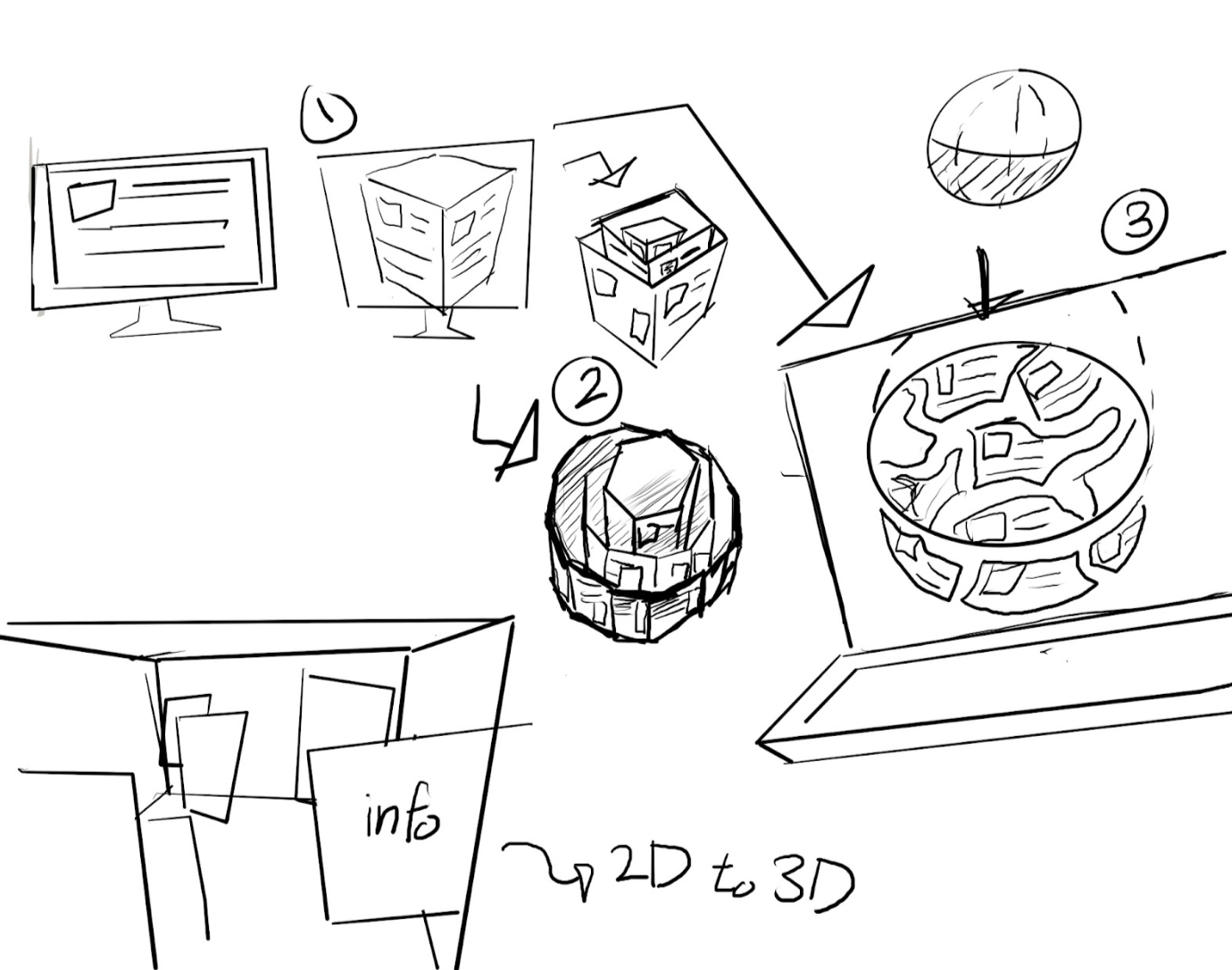
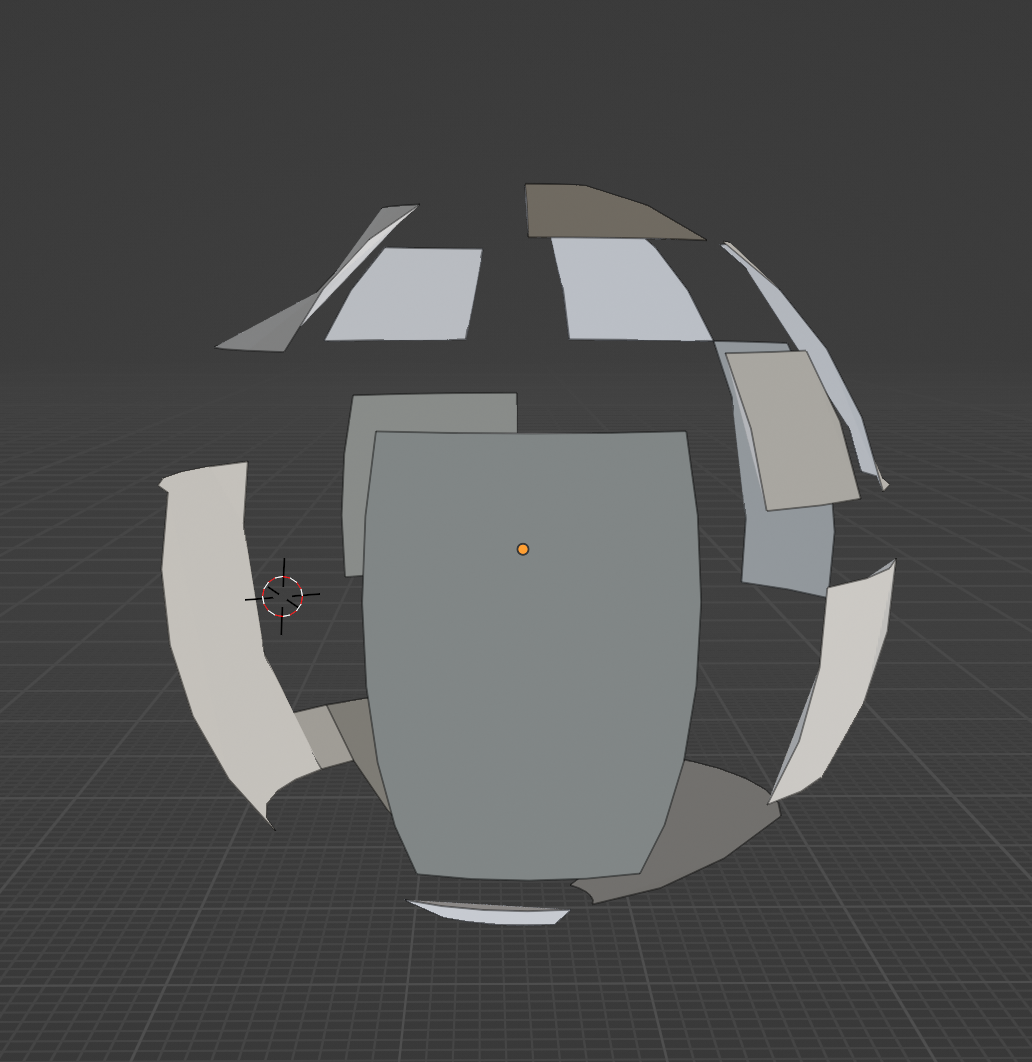
I'm trying to explore different shapes and formats in a three-dimensional space, so I sketched out some initial concepts. To be honest, experimenting with shapes other than the cube for embedding web pages hasn't led to much conceptual development, and I feel like my ideas are currently stuck. To break through this, I started sketching out my thoughts. This led to ideas like layering cubes, breaking web pages into pieces and fitting them into spherical spaces, and the visual concepts labeled as "2D to 3D" in the bottom left corner of my sketches. As I continued to brainstorm, I thought, "What if I unfold this space?" Similar to origami diagrams, I imagined unfolding the space and also creating its fully folded form. I felt that this process could deepen my understanding of the space and help me determine the direction for my project.
For now, I plan to use Blender to visualize these sketches further, leaving the task of mapping information for later. Regarding the content to be mapped onto the surfaces, I had been using Wikipedia pages, but I wanted to include something with more personal significance. I decided to organize my own research findings, thoughts, and visuals gathered from various sources. This approach reminded me of a digital archive, like the one in Are.na. Now that I’ve settled on the content, I need to focus on the shape. I want the shape to have meaning as well, and I think it should be something that can be laid out like an origami diagram. So, I’ve decided to start testing concepts 1, 2, and 3 from my sketches using Blender.
Ashley from fillers
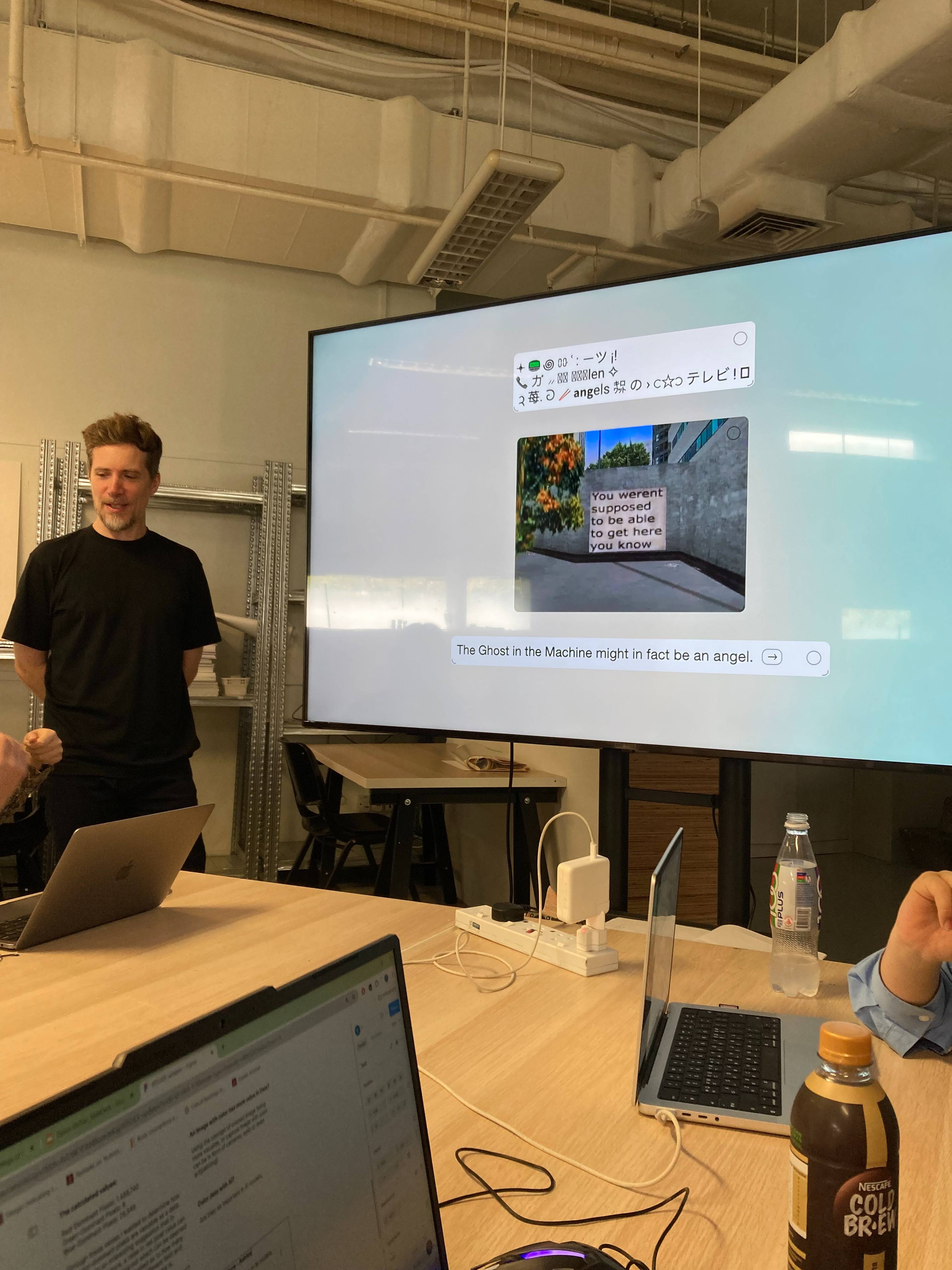
Ashley is a visual artist who uses kinetic sculpture and installation to create sensory spaces and generative experiences. Initially, I thought Feelers' focus on AI and data-driven installations wouldn't relate to my project. However, the concept of web ecology caught my attention, particularly its approach to analysing the web from a microscopic perspective—such as data loading and font rendering. This broadened my understanding of web design, especially in terms of ensuring user autonomy by creating clarity, retaining only essential elements, and maintaining effective copywriting. The concept of the computational pandemonium model was the most intriguing part of the lecture, even though it wasn't directly related to my project. Developed in the 1950s, it impressed me with how it laid the groundwork for AI concepts so early on. True to its title, "Ghost in the Machine," the idea of multiple “demons” making decisions collectively through thought was fascinating. The discussion on the weakness of thinking machines—highlighting that AI can only reason based on the information we provide—was especially thought-provoking. It made me realise a point I hadn't fully considered before, even when using tools like ChatGPT, where the AI operates effectively within the confines of user-provided prompts. Overall, the lecture offered valuable insights into computational projects and AI, making it a rewarding experience.
Project direction
The direction of my project has been to move beyond the act of scrolling by placing information in a three-dimensional space. Yet, I kept feeling constrained by the rectangular screen and the limited ways of browsing. In a recent lab class, I was introduced to various devices through Arduino, which sparked the idea that these could be used to create a navigation tool as an alternative to scrolling. Although I hadn’t attempted this due to technical challenges, today’s workshop with Andreas encouraged me not to give up because of those obstacles. With advice from classmates, I also learned about effective navigation devices like Arduino-connected gloves. Exploring the reference websites mentioned in the lecture provided some useful references. My next step is to purchase the Arduino and related devices for testing. Integrating these with the Blender visuals I planned could create a more dynamic expression.
I decided to move forward with an experiment using Arduino and consulted ChatGPT to get estimates for the necessary materials. I used prompting to input the envisioned gesture-based web navigation system I want to create. Since the costs weren't very efficient, I opted to start with just the basic Arduino board and a few sensors to test functionality. I also needed a webpage for the hand-controlled mouse, so I planned to create a 3D sketch in Blender, as its environment closely resembles the 3D web space I aim to build. I believe working in Blender will help with the layout and structure of my website.