Dissertation Progress
There was a feedback session on the overall content of the dissertation and the appropriateness of the title and subtitle. Through chatGPT with Andreas, I exchanged a few simple questions and through rephrasing and summarising, I was able to create a subtitle that perfectly met the AI's criteria. I rely on ChatGPT for most of my grad project work, and now that AI is even editing and refining my dissertation, I can truly feel how advanced it has become. The pace of AI development is really frightening.
I was able to delve into the previously ambiguous discussion section of my dissertation, and the explanations prompted me to rethink its structure.
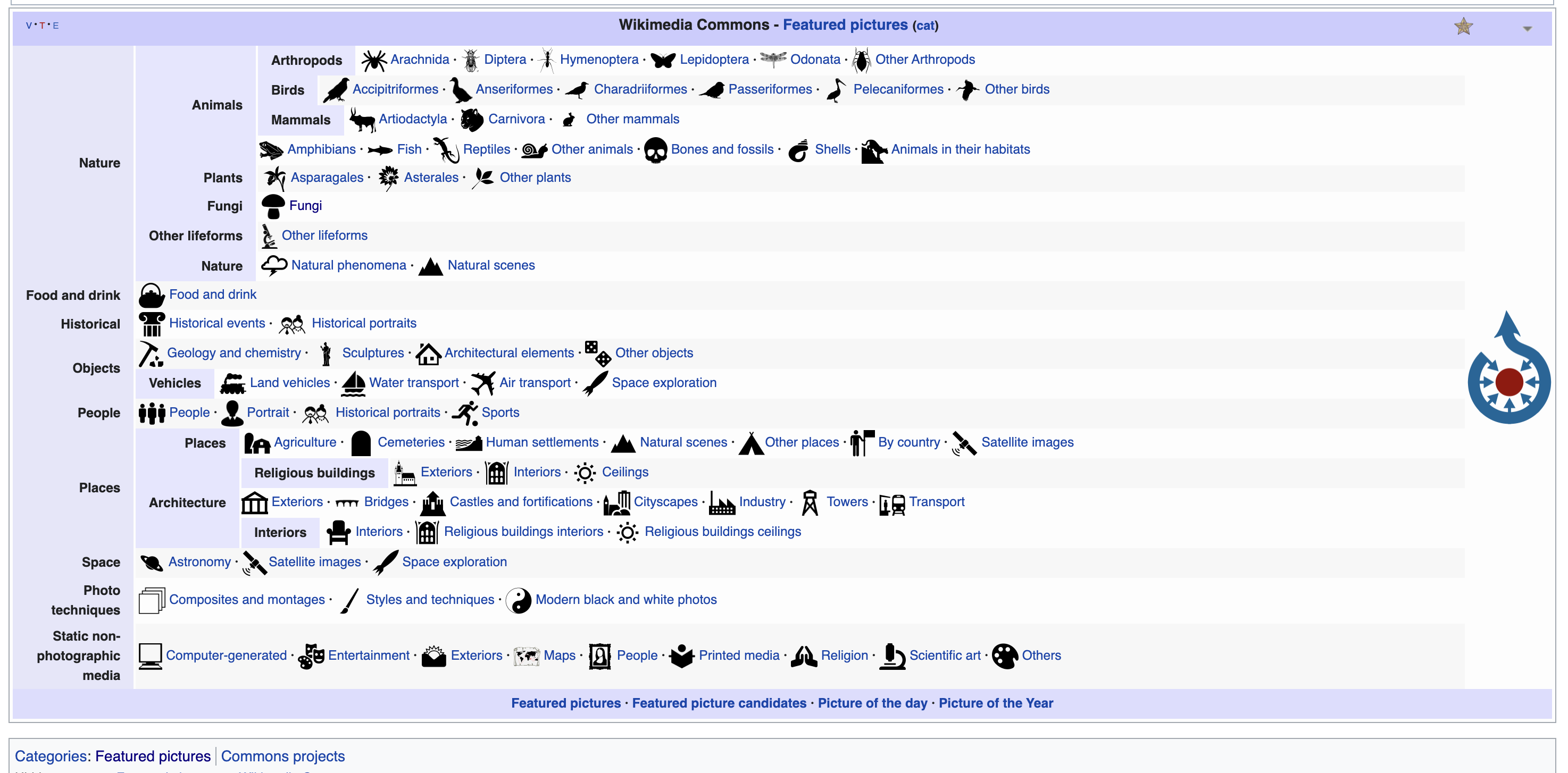
Wiki Media Commons
I thought about what websites might be effective for exploring with 3D website elements, as this is a key feature of my project. I considered Wikipedia, which was frequently mentioned in discussions with Andreas and during Semester 1. While Wikipedia does have the issue of needing to scroll through content, I believe the navigation system based on hypertext is still very effective and doesn't have major issues.
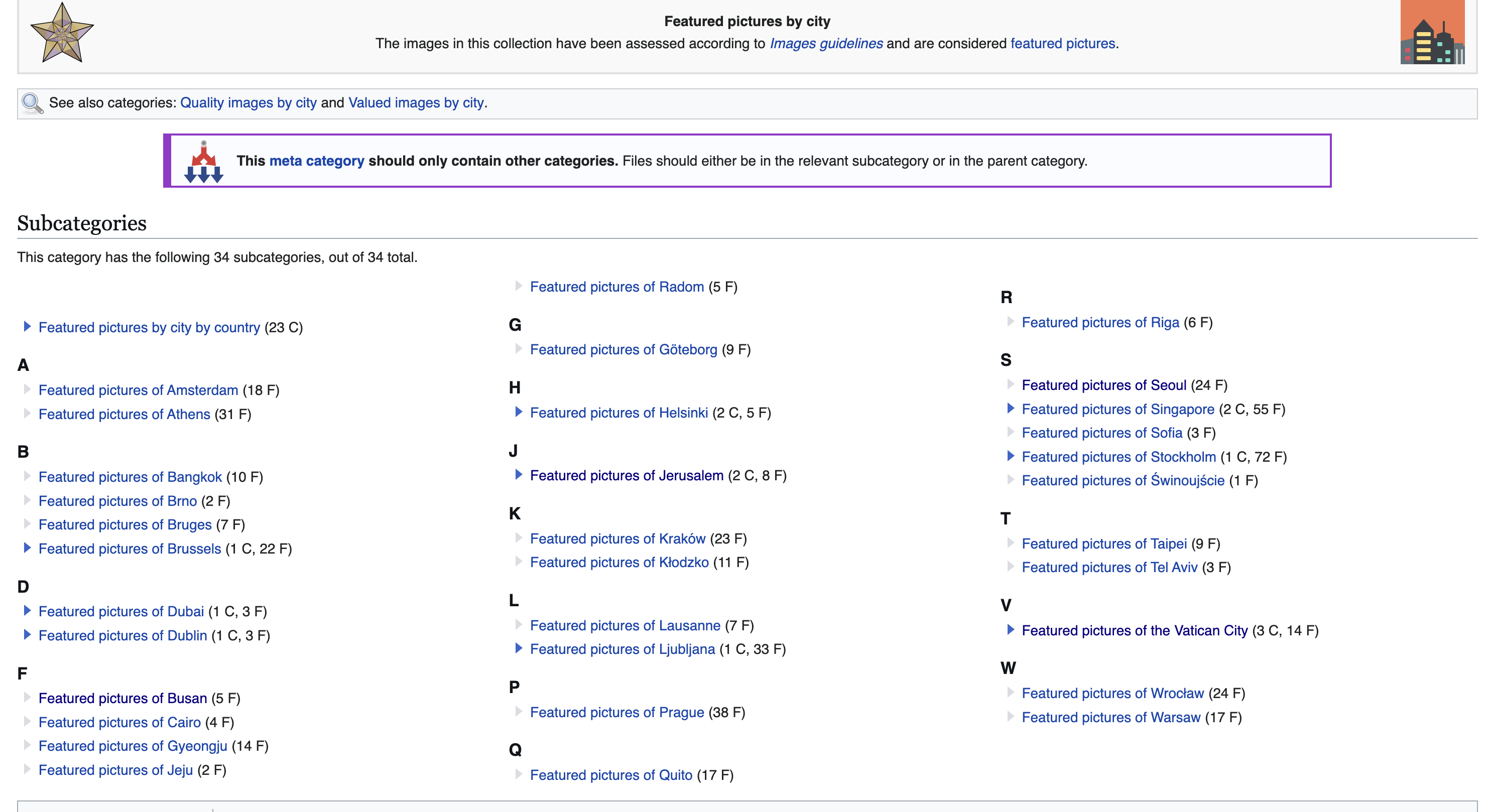
While searching for content related to Wikipedia, I came across a website called Wikimedia Commons, which serves as an open-source image library. It plays a similar role to Wikipedia but is structured as an image archive. Unlike Wikipedia, however, the navigation system on Wikimedia Commons is much more complex, especially given the vast amount of content available.
As an example of a website where my navigation model could be applied, I chose another digital archive-style website within the knowledge web, similar to Wikimedia Commons. I received a suggestion that it would be beneficial to structure my website using content from this type of platform.
First, since the categories and image resources on Wikimedia Commons were overwhelmingly vast, I decided to refine and subdivide these categories. Selecting specific sections to focus on would make it more manageable, allowing me to integrate those images into my navigation model effectively.
Since one of the topics of my web navigation model was to change the way linear websites are browsed, I chose the historical events part from Wikimedia Commons, which best displayed linear characteristics, and decided to create a new website 2.0 based on the content of this part. I thought that by creating a new navigation model that combined the linear structure of this page with the linearity of time, the website would allow for a freer and more interactive navigation than if it were completely linear.
Network model structure
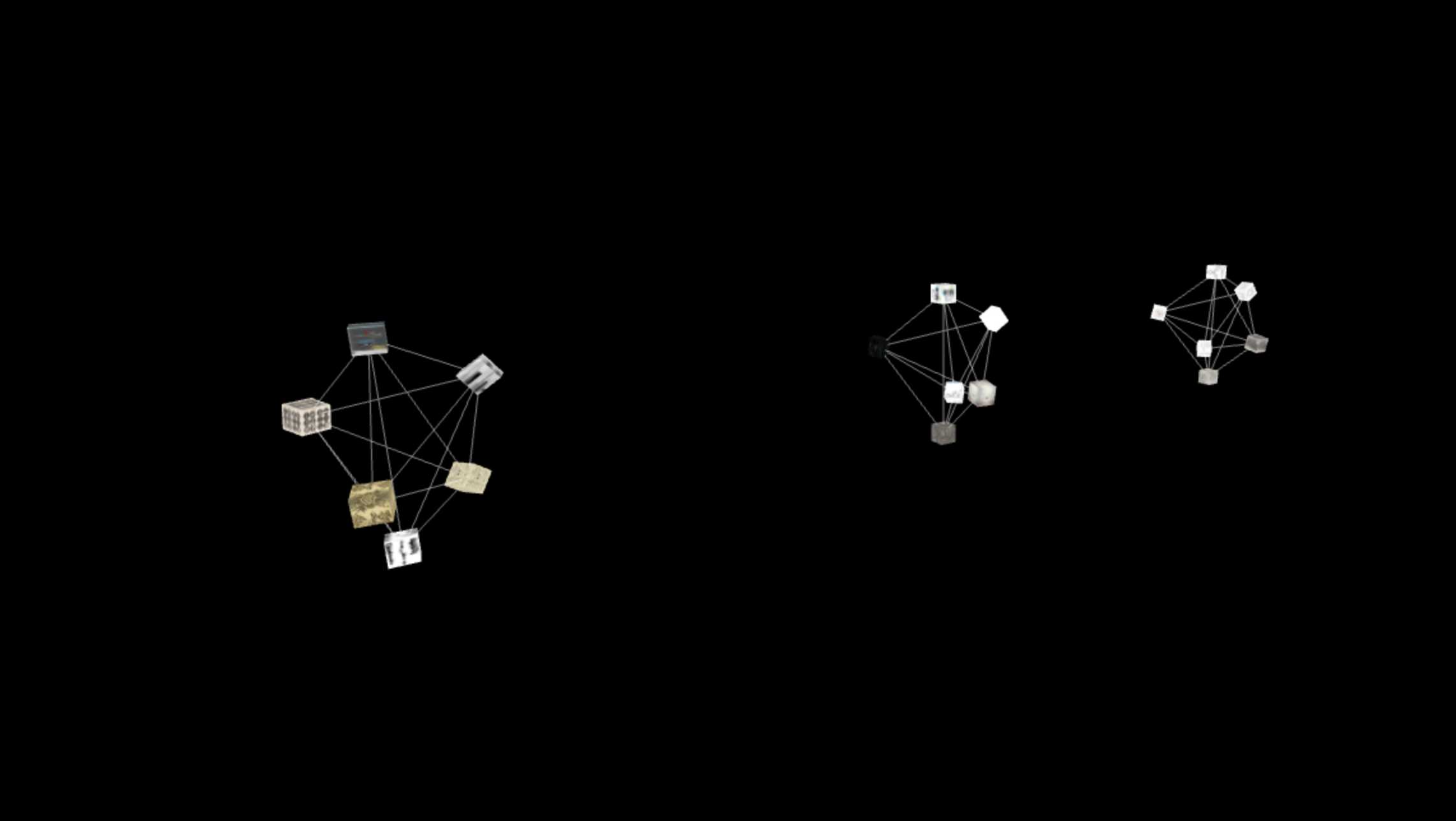
As I was thinking about a new layout, I realized that this project started because I was inspired by the network model. So, instead of the traditional cube-shaped layout, I designed a structure inspired by a network model—circular in form, with elements arranged accordingly and connected by lines.
However, another challenge remained: the UI. If users of this website are unfamiliar with network models and their appearance, the connecting lines between elements might seem like meaningless distractions rather than an essential part of the design. Moreover, as I restructured the navigation model using this design, I noticed that the more content each category contained, the more connecting lines appeared. This made the interface feel increasingly cluttered and somewhat distracting.
Another issue was that, although I hadn’t yet linked the mapped objects to display content upon clicking, separating the content from the 3D scene made the navigation model and content cube feel more cohesive. However, the cube’s appearance and functionality still needed improvement. I decided to first identify the key issues and gradually refine the design.
While working on my previous website, I realized the importance of structuring content effectively. With that in mind, for this new website using Wikimedia, I decided to organize the content properly from the start. To do so, I compiled detailed information for 85 images in a Google Sheet, categorizing them systematically.
Through feedback, I learned that I could use Node.js to generate HTML files from Google Sheets content automatically. Planning to get a more detailed explanation during the next W6 lab consultation, I decided to reorganize the content in Google Sheets to better align with an HTML structure.
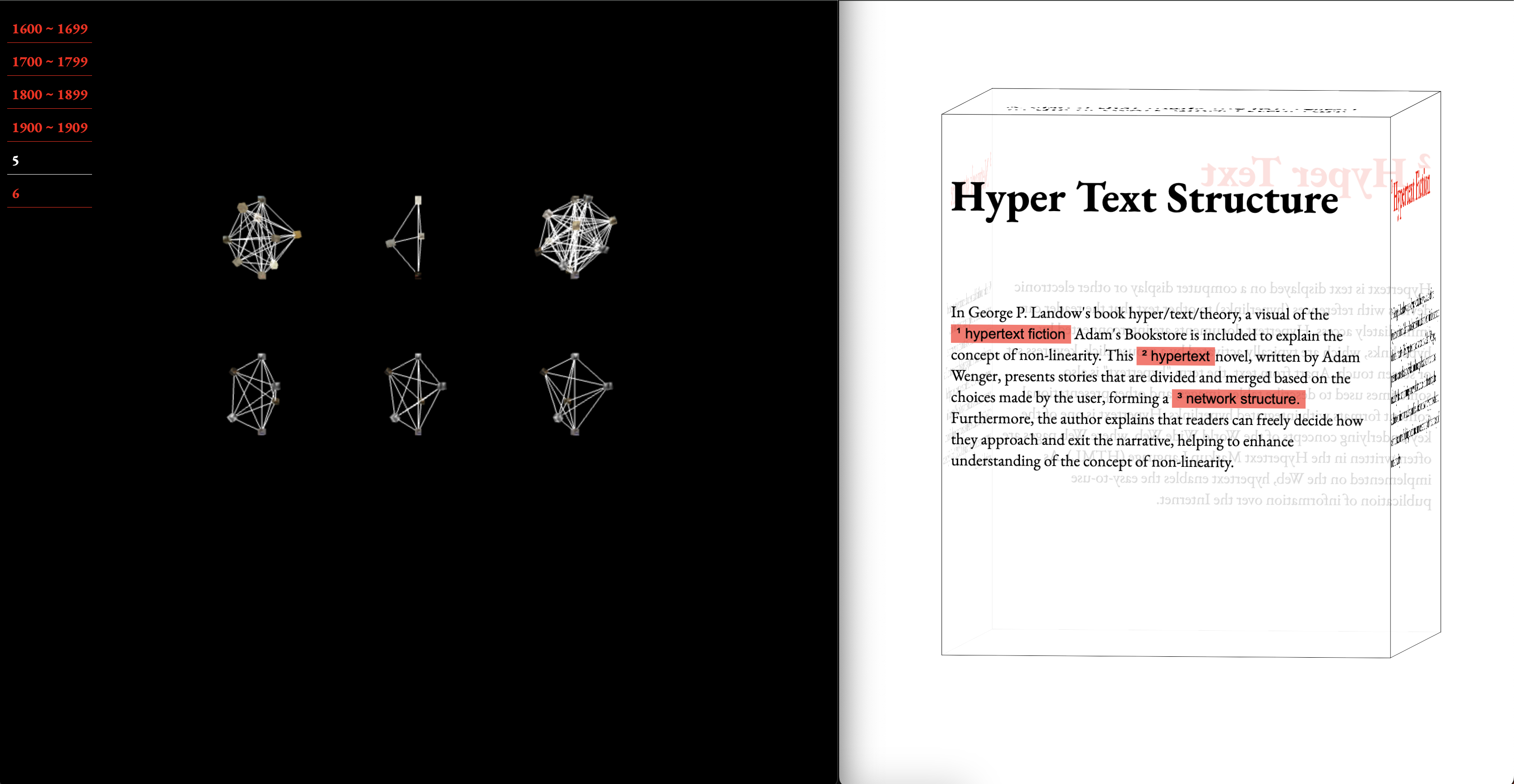
Layout 1
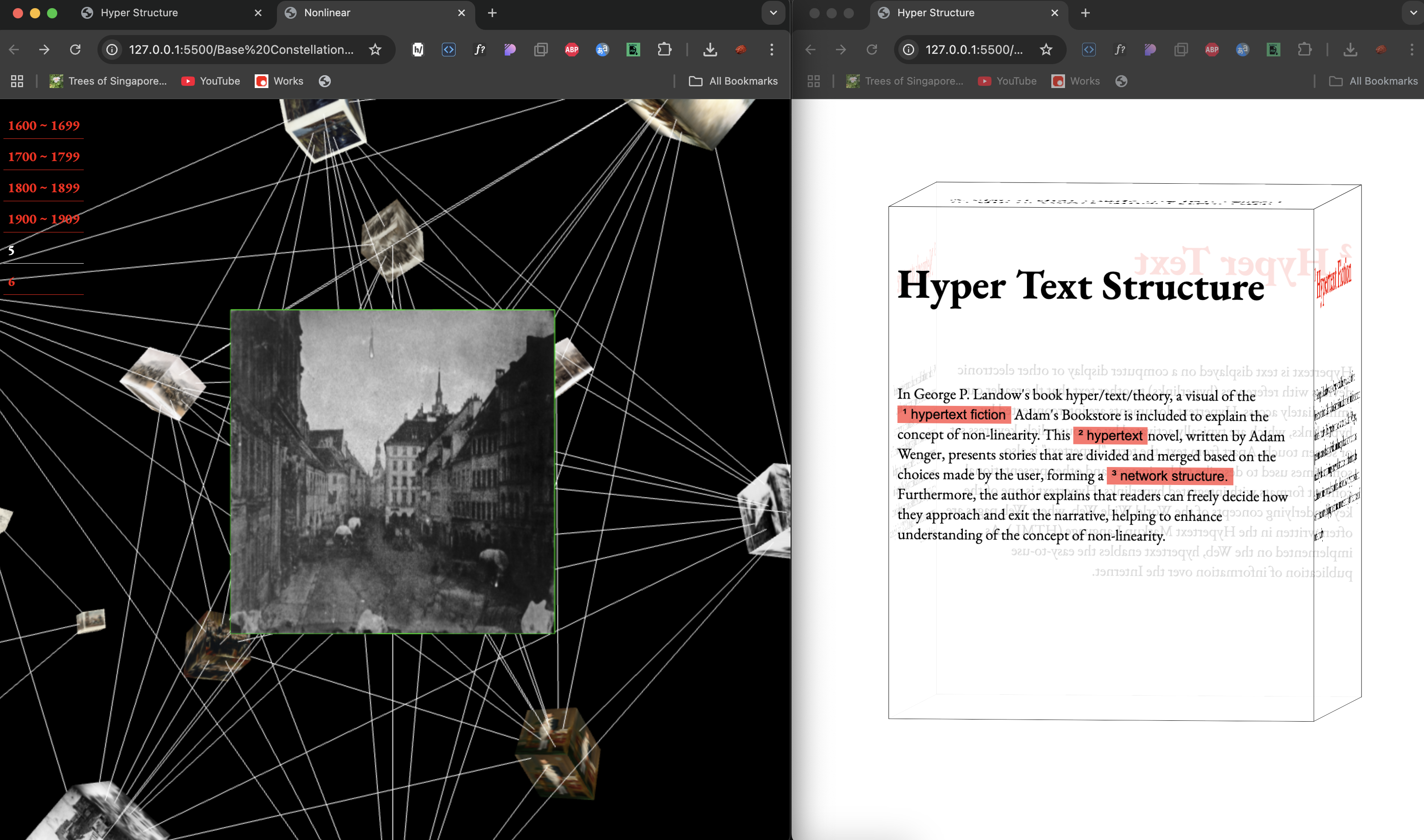
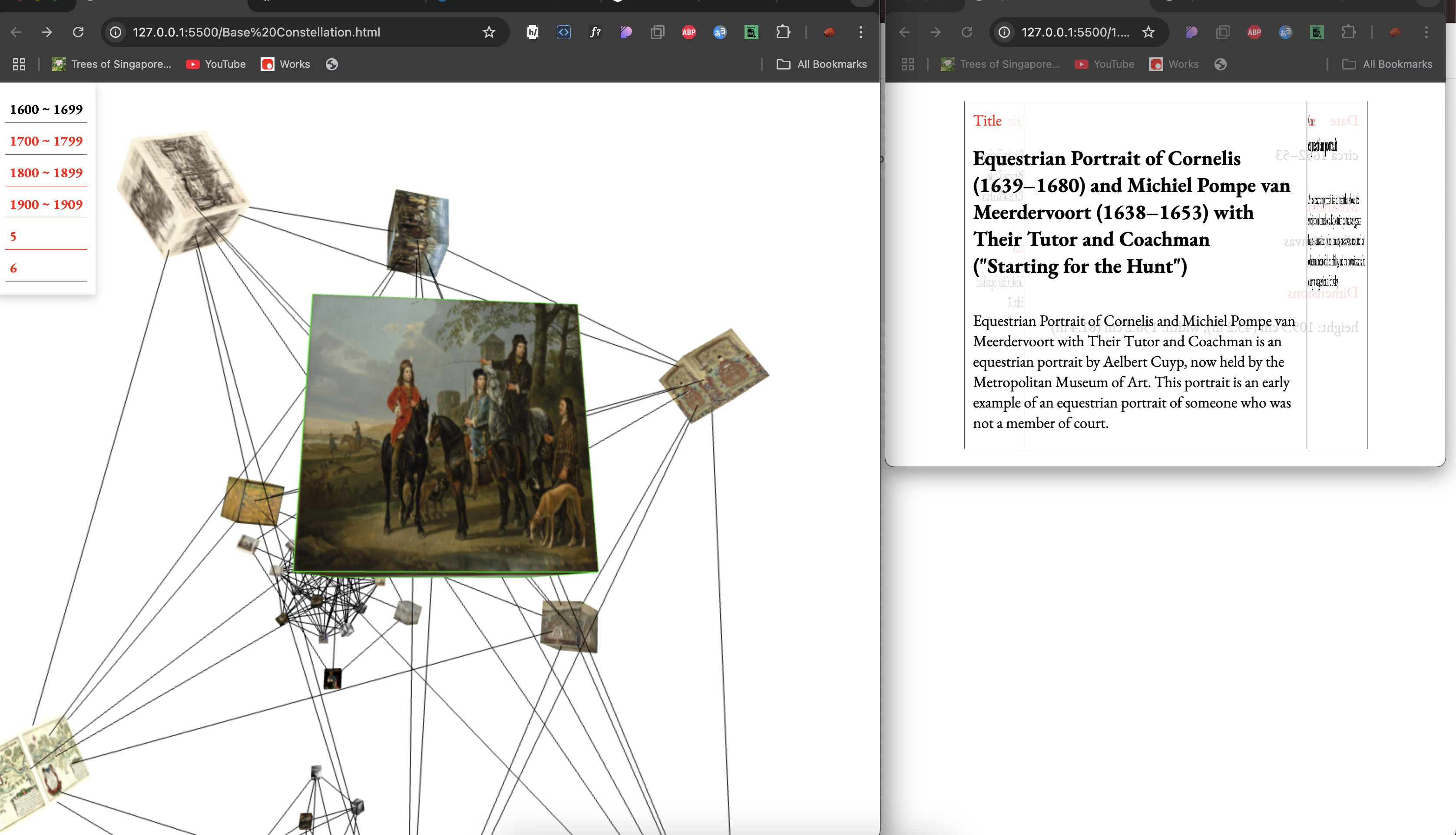
layout 2
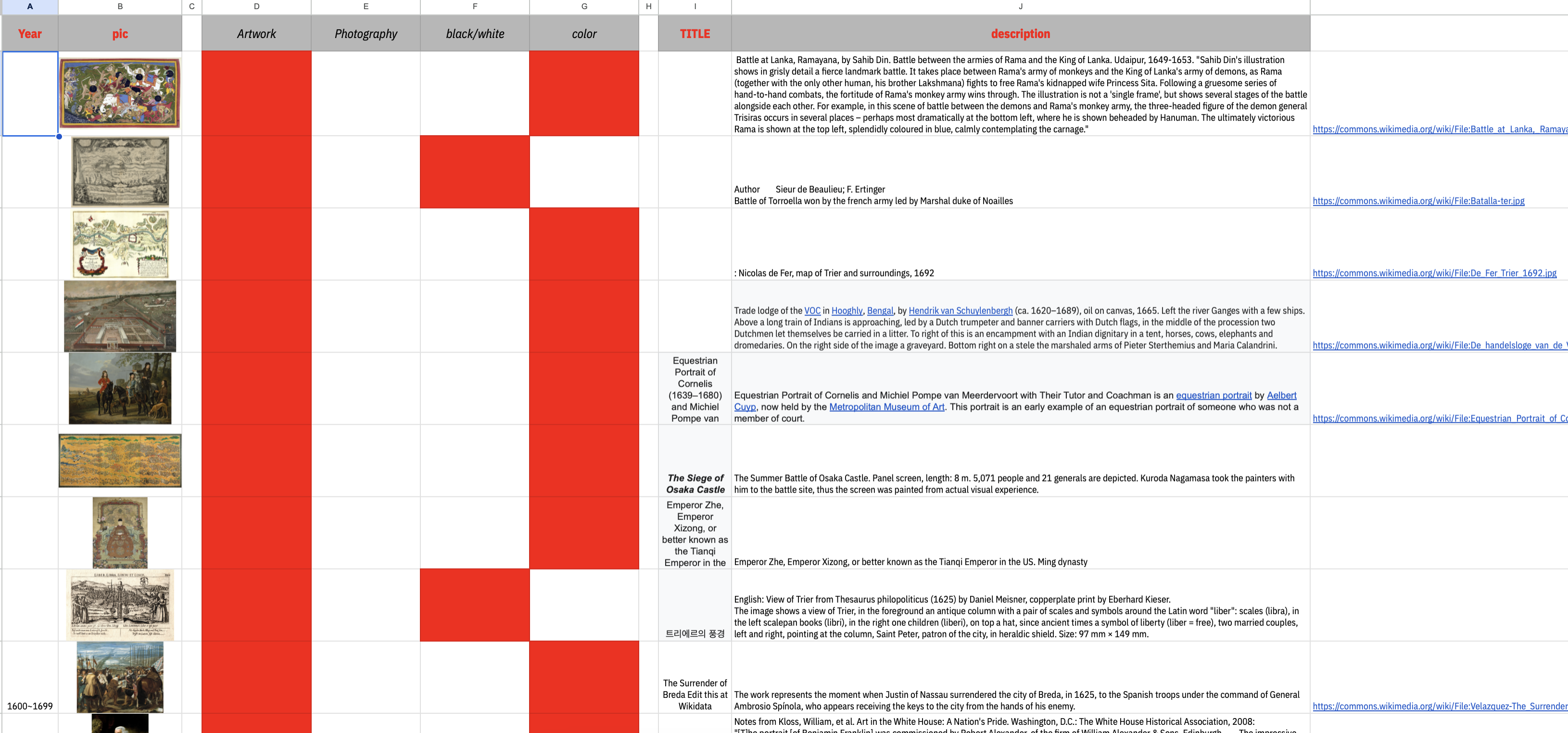
Contents