Layout Experiments
I was unsure about what type of new layout to use, so I tried several approaches to move away from the cube layout I had been using. Instead of choosing a layout completely disconnected from my previous research and experiments, I wanted to create a 3D navigation structure that aligns with the findings and experimentation so far. This made it difficult to decide on the best way to change the layout.
First, to get away from the cube layout, I changed the layout to one where the navigation elements move to random positions each time the page loads, applying the random nature of the non-linear characteristics, a concept I used in my early experiments.
Contets area
For the content area, I modified the structure to make the shape and form of the cube more visually prominent. Instead of a flat page layout, I adjusted it so that the back side of the cube is slightly visible. While maintaining the original concept of rotating the cube to explore each face’s content, I improved its visibility to enhance the user experience.
Layout Experiments
I combined the content area and the navigation model to see how they function together. While this new arrangement showed some advantages over the previous cube model, there were still noticeable areas for improvement.
I also reconsidered the method of placing image-mapped objects. Currently, they are positioned at random coordinates, but from a UI perspective, constantly changing positions could create inconvenience for users.
Additionally, the current navigation system requires users to enter a number to move to each model’s location. I realized that this input-based method might not be the most user-friendly approach. It would be better to explore alternative navigation methods, such as clicking or other interactive ways to move between models.
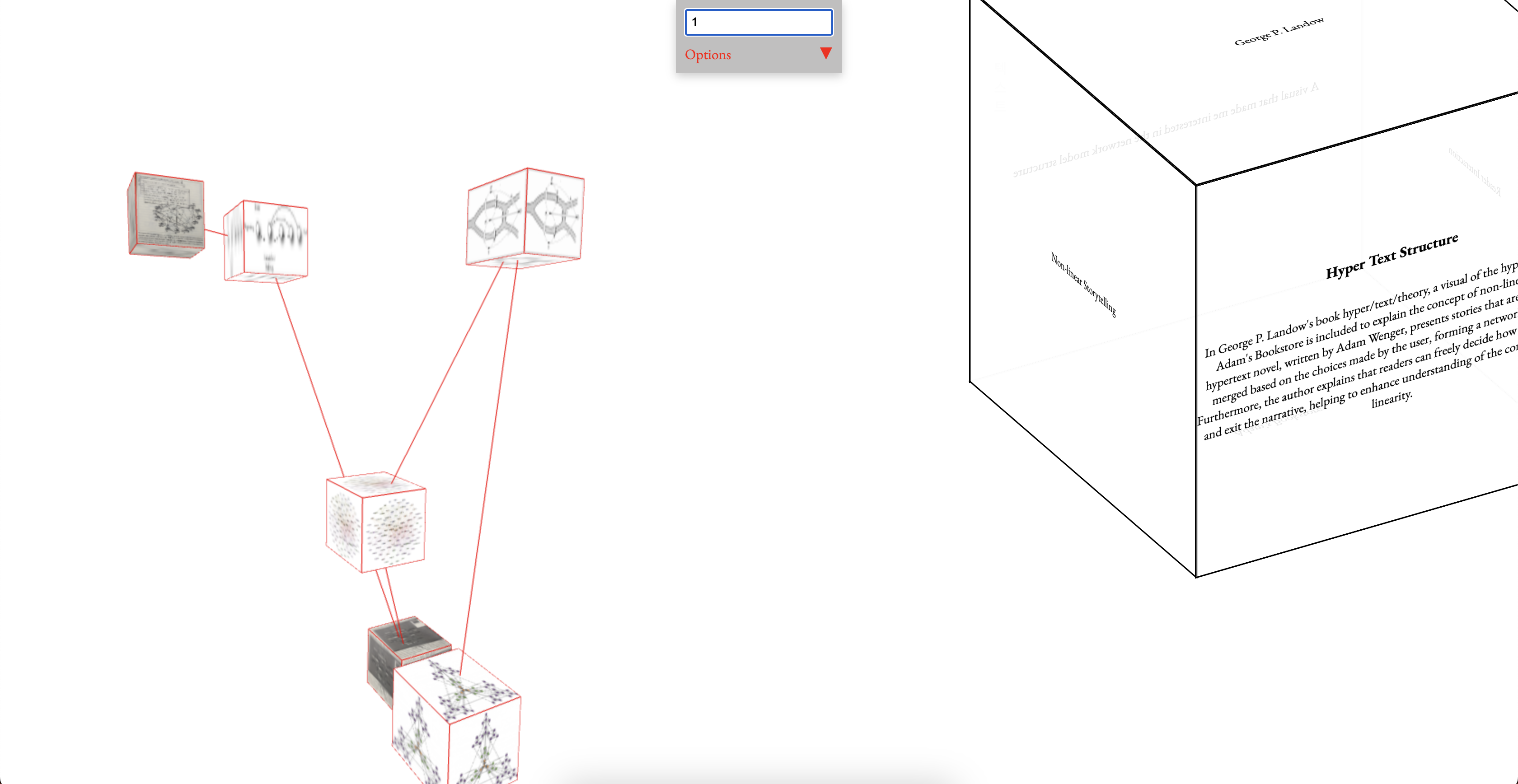
Trial 1 - Random location
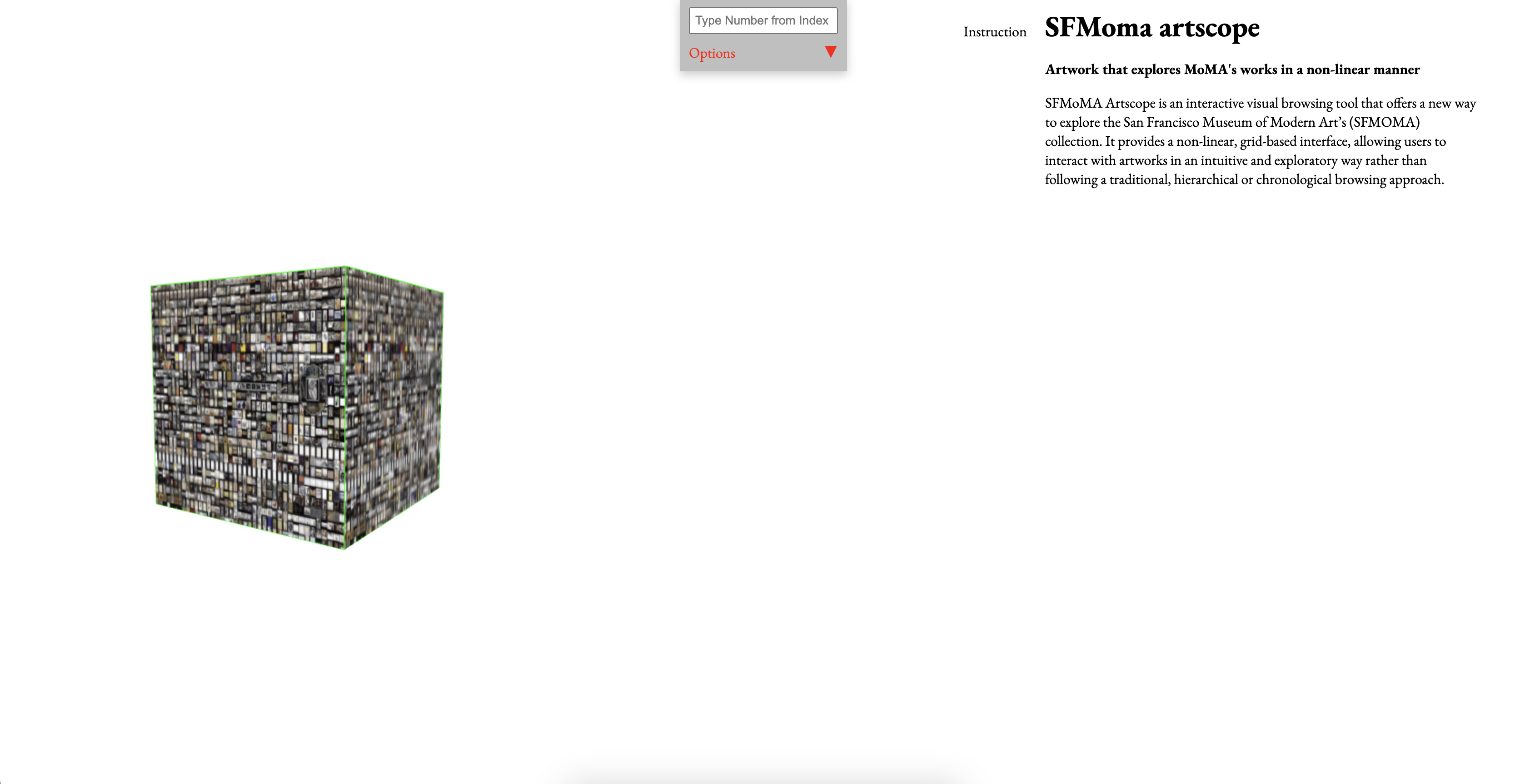
Trial 2 - 2D instruction
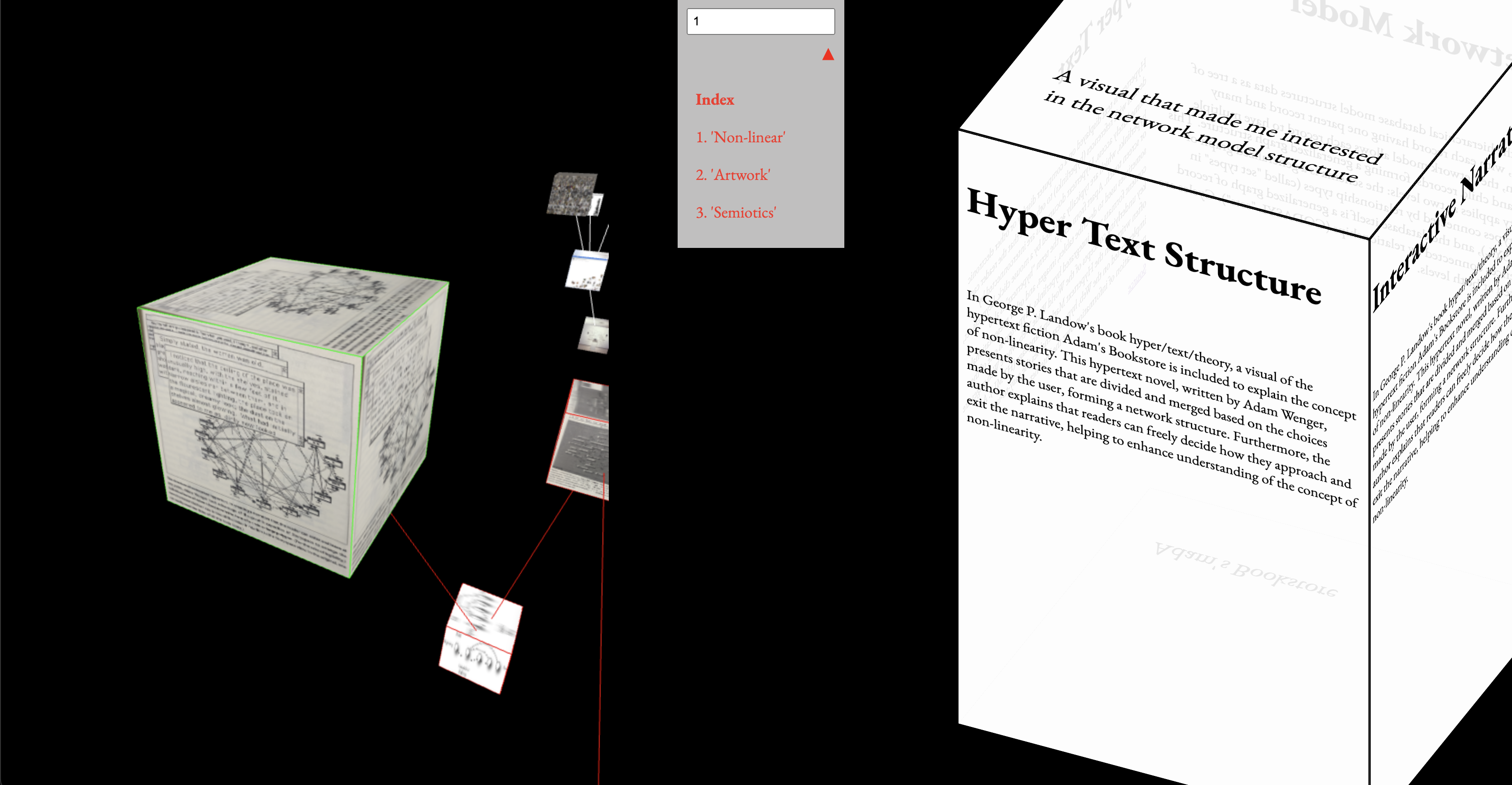
Trial 3 - Box sizing