Linear & Nonlinear website making
Because I saw scrolling and mouse clicks as the biggest digital elements that distinguished my definitions of linear and non-linear, I was able to get feedback on the direction of RPO that included these two elements.
I thought that getting information on the web by scrolling was no different from turning the pages of a book. So I thought that non-linear navigation was essential among the more advanced methods of getting information, because I thought it was a method that allowed users to start from the desired location and move to the desired location without a fixed order.
So, since I had no idea how to create and express a website, I decided to create a linear and non-linear website first.
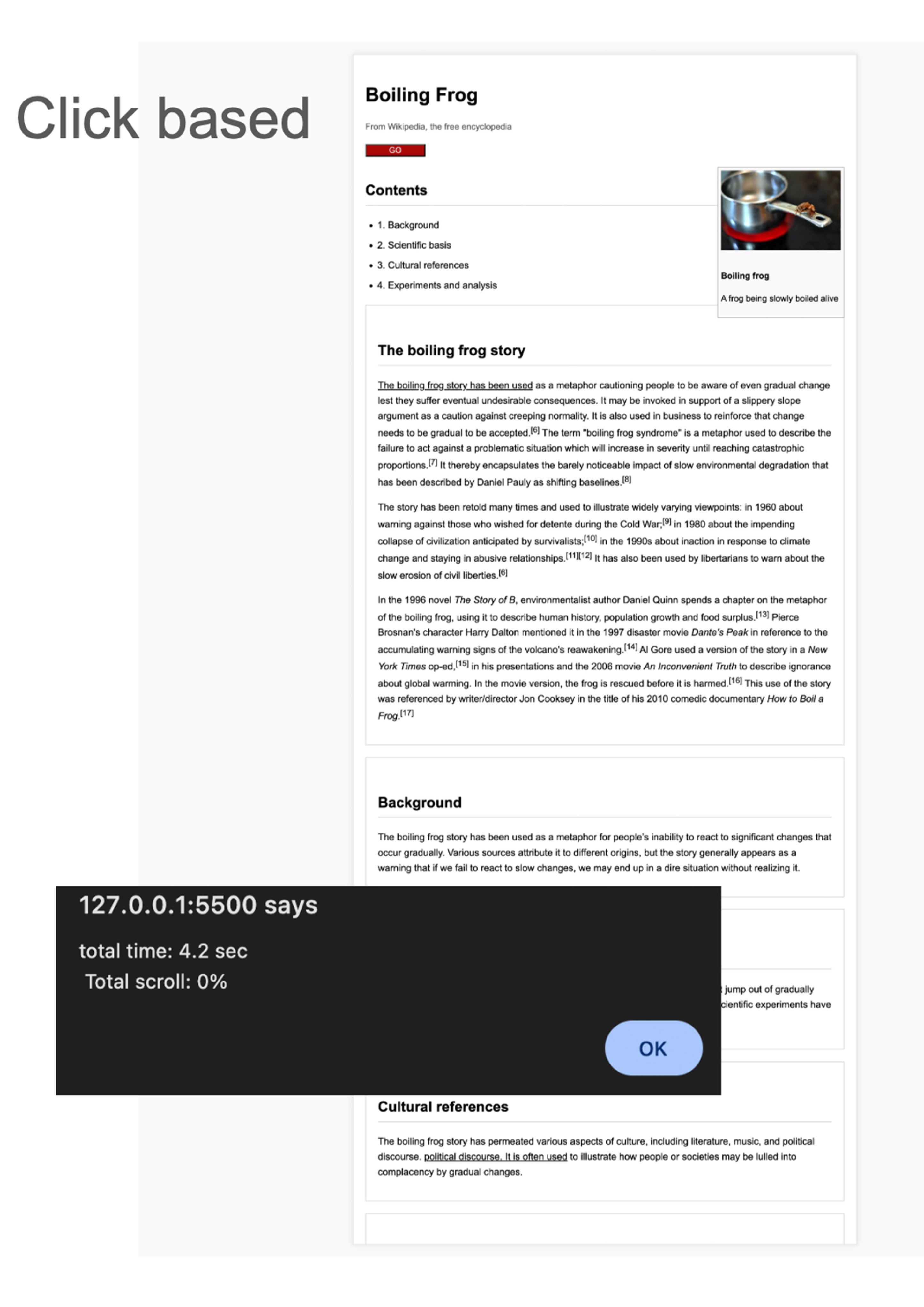
Click-based model
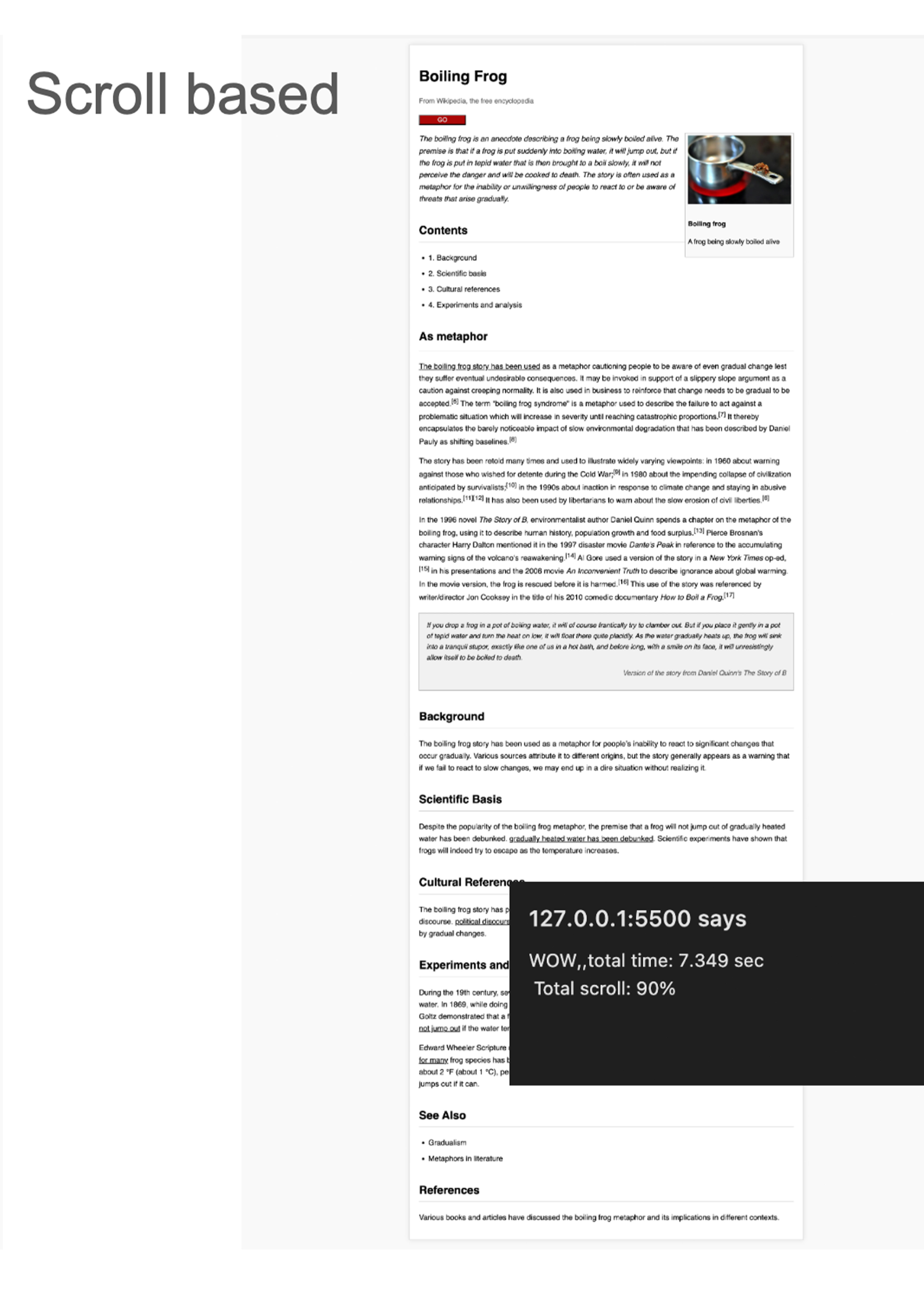
Scroll-based model
Feedback about iterations
I was suggested to build a more interactive website since the websites I had previously created were visual-oriented and non-interactive, I thought that creating an interactive website would better demonstrate non-linearity.
However, as I continued to build the website, I had some questions. I used the ability to manipulate HTML elements a lot while building the website with JS, but since I didn't have much knowledge of JS, I had to build it with AI. But as the proportion of AI increased, it felt like it wasn't my work. And also, because I was focusing on the non-linearity of hypertext in relation to visuals, it seemed like it would end up like a Wikipedia redesign project. As I continued to think, I set up some questions to help me move the project forward.
Is the linear structure not because the screen is square? What if it is circular?
The term web space is often used, but the sense of space is not very apparent on web pages or websites. What methods can be used to increase autonomy while providing a sense of space?
Since most of the web pages and websites we use are flat with a square layout, I thought about how it would be if we could display the contents of this information in a three-dimensional space. Based on these questions, I created a visual using Three JS to put the information into a three-dimensional space.