Pre-Open Studio
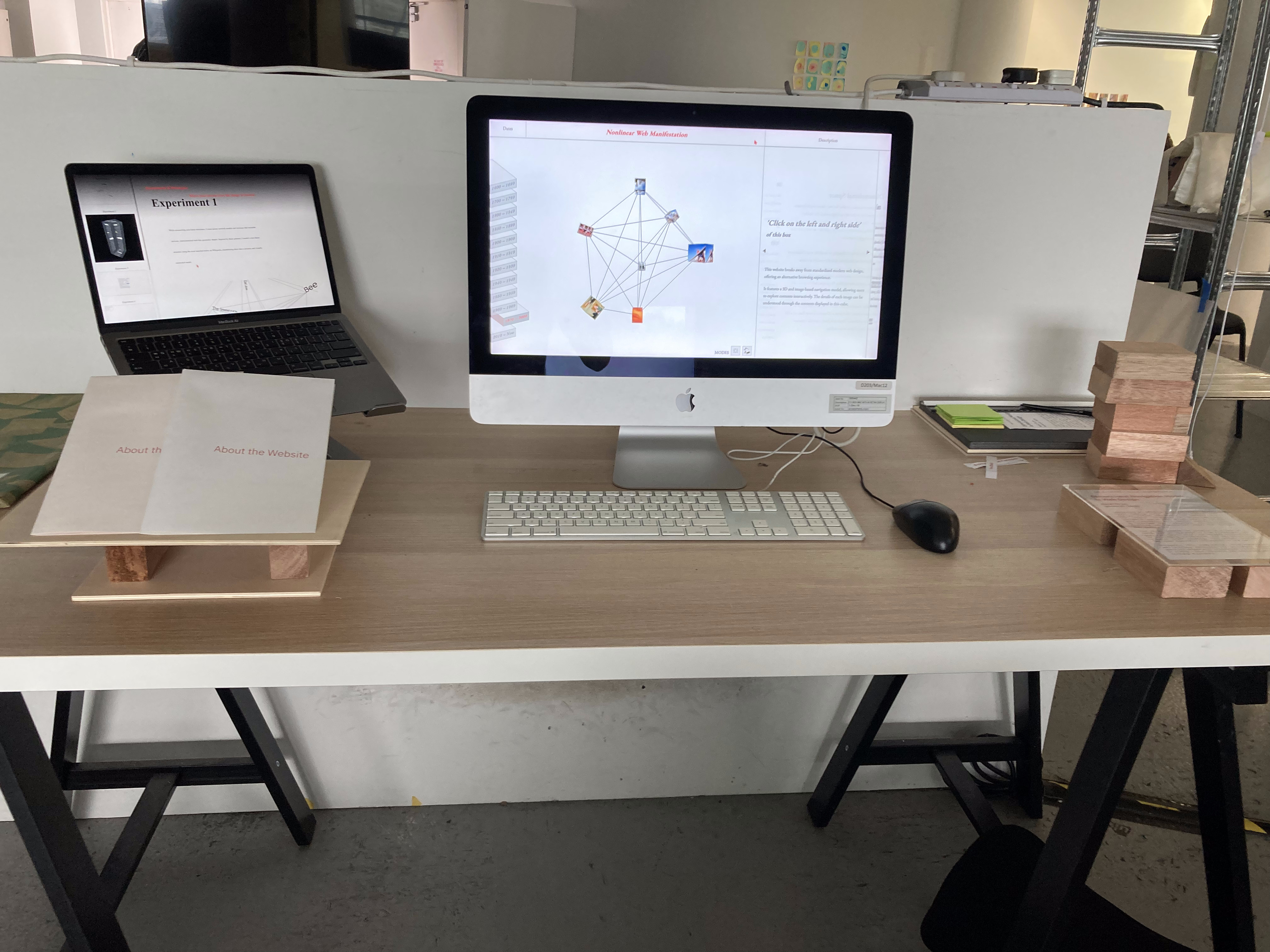
I received a desktop monitor to prepare for Open Studio. I was worried that it would not work with my 3D website since it was an older model, but it worked better than I expected and I decided to prepare the setup based on it.
The main components of the open studio setup were the catalogue of making websites, a visual reference of my prototype 1-2 websites that will be displayed on the desktop, a booklet with brief explanations, and a video explaining the website.
Since people would have little understanding of my website, which contains the meaning of the past year, I decided to set it up in a way that would be understandable from right to left, and I planned to create explanations to help people understand without my explanations.
Website Updates
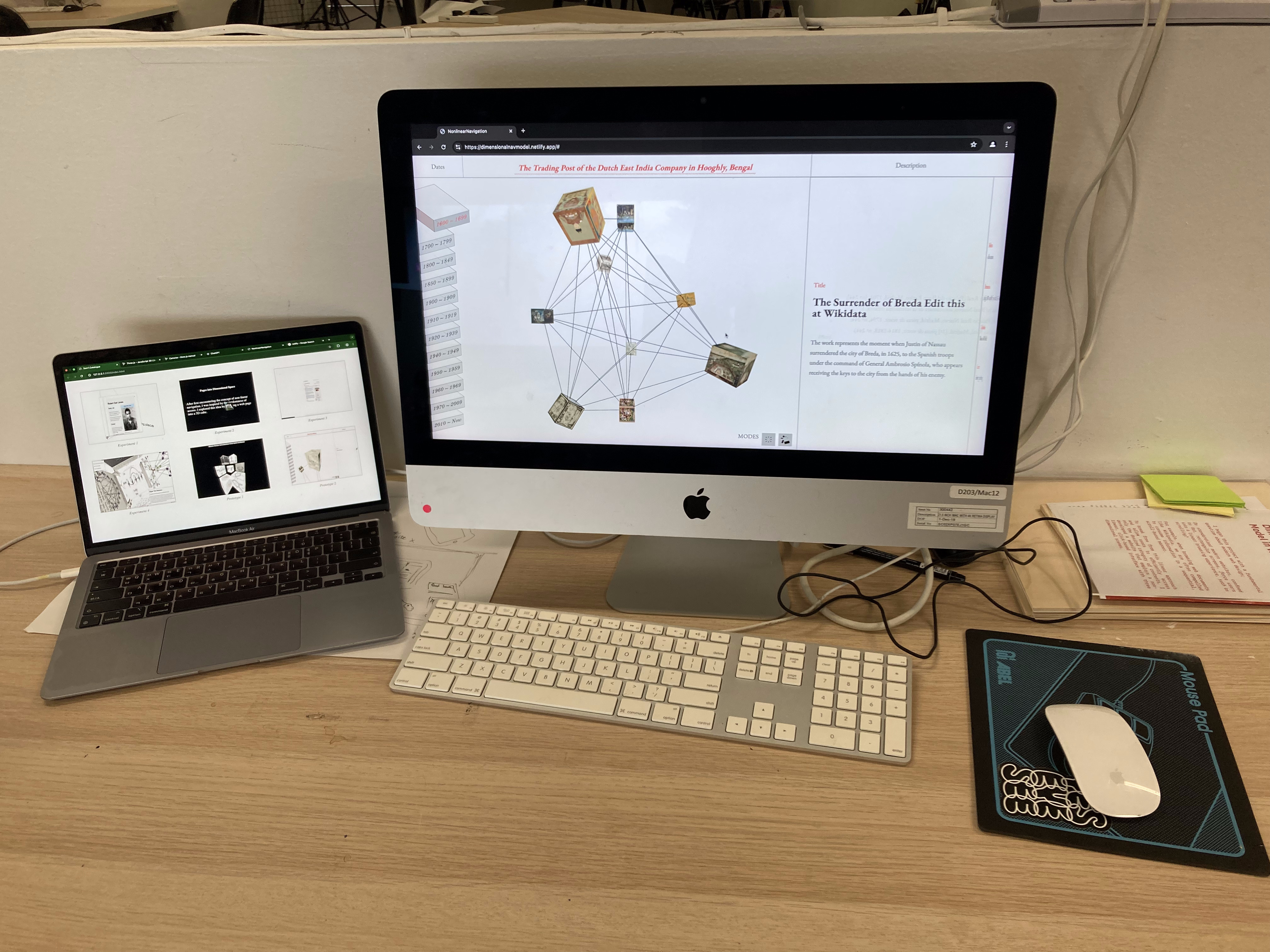
I still think there are a lot of parts of my website that are difficult to understand in terms of UI and UX, so I made a few updates. First of all, since the loading was immediate when the title was displayed or the content changed, I took Andreas' feedback and added some animation effects and a fade in effect to the content and title to help users understand.
Since my website is very different from the format of existing websites, it would be difficult to say that it has a very good experience and a UI that is easy to understand at a glance from the user's perspective (because it uses a navigation model that utilizes 3D parts). Even considering this, I designed it to be as simple and understandable as possible to help users understand, from the content part, which is the part that should be used first when looking at the website, to the 3D part.
Catalogue of Making
Since the details of my experimental process and how the prototype was created over the past two semesters, and the approach to this project, were not well known to those who visited the open studio, I created a new Catalogue of making website to help with understanding.
Using the code that I discovered this semester to create a cube environment using only CSS and HTML, I created a new website. I made it work in 3D to maintain a cohesive experience, but I made it easier to use than the main prototype website, using only HTML and CSS to operate buttons and scrolls.
As a result, the setup for open studio has been completed, and the description and publication have been arranged in order to make the work flow easy to understand.