Round Table
I wouldn’t say the feedback was groundbreaking, but it did highlight some meaningful points.
Shumin and Yasser found the website’s layout interesting and visually appealing, but they pointed out that the lines currently lack a functional purpose—they enhance the visual aspect but don’t contribute to usability. Yasser suggested varying the images on all six faces of the cubes to display different content on each side. While I agreed that diversifying the images would be beneficial, applying the same approach to content posed a technical challenge. If I were to take that approach, each cube would require five additional HTML files, making content management quickly overwhelming. This would eventually lead to over 400 HTML files, resulting in an inefficient and time-consuming process.
Yasser suggested varying the images on all six faces of the cubes so that each side presents different content. While I agreed with the idea of diversifying images, applying the same approach to content posed a technical challenge. Since each cube required five additional HTML files, content management quickly became overwhelming—I ended up creating over 400 HTML files, making the process highly inefficient and time-consuming.
Also Shumin proposed an alternative that building a scene with moving plane images, which could make navigation more engaging. Shumin's suggestion reminded me of Jonathan Harris’s Whale Hunt, and I felt that a similar approach to image placement and animation could help create a more dynamic experience.
Another suggestion was to add text to the lines to indicate their connections, much like a mind map. This would not only make the lines more functional but also help users better understand how different elements relate to each other. However, since I was working within a 3D environment with specific technical requirements, I also had to consider potential content loading challenges. Given these constraints, I decided to focus on improving the 3D layout first before addressing additional features.
Improvements
I began improving the website by focusing on two key aspects
1. Refining the layout and transitioning to flat-image animations, inspired by Jonathan Harris’s Whale Hunt.
2. Mapping different sides of the cube with images from varying perspectives to enhance visual depth and storytelling.
Animation
I first needed to understand the code for modifying the image placement method before integrating it into my existing codebase. Instead of applying it directly, I created a separate test page to observe how it functioned.
As a result, I was able to unfold images in a similar manner to the video on the right and also identify the specific code responsible for transitioning between 2D planes and 3D space. This exploration provided valuable insights, making it much easier to implement the same functionality in my website later.
To integrate these codes into my website, I first attempted to implement the cube unfolding effect. However, during this transformation, I wasn’t satisfied with how the connecting lines between images and the overall unfolded cube structure looked.
Shumin’s feedback suggested that arranging images on a flat plane with fluid animations would allow users to navigate and explore content in a more nonlinear way, making the experience feel more interactive. However, as I experimented with this structural change, I began to feel that this approach alone might not be enough to truly achieve a nonlinear browsing experience.
To enhance the 3D scene and introduce a more dynamic transition to 2D planes, I incorporated a smoother, more natural transformation. To reinforce the nonlinear context, I added an interactive feature where pressing a button spreads out the images. Additionally, I applied animation effects to the spread-out images, allowing them to rotate, making the interaction feel more fluid and engaging.
see 'Image Spread' and 'Rotating' video
To add more context and coherence to the interaction—beyond simply spreading and rotating images—I decided to enhance the Cube Navigation Model by ensuring that when images unfold, they retain their original aspect ratio. This idea was also influenced by feedback from the Round Table discussion, where I explained why I chose a cube over a sphere or other shapes. Mapping images onto spheres or irregular objects often results in distortion or warping, which I wanted to avoid. However, I later realized that even with the cube, images were still being cropped due to their varying aspect ratios. To address this, I planned to modify the scene so that when the cube unfolds, the images are displayed in their original proportions. As a result, I successfully built an animation that transitions from the original 3D environment to 2D images while maintaining their aspect ratios. Additionally, I implemented click and hover interactions for each image, enhancing user engagement and interaction within the scene.
During the integration process, I ran into a new challenge—my code exceeded 1,000 lines, and with so many images being loaded, buffering issues began to occur. This made it clear that I needed to explore optimization strategies to improve performance and ensure a smoother experience. Through this process, while I wasn’t writing Three.js code myself, I gained a much deeper understanding of how different parts of the code interconnect and function. I also naturally learned how to manage multiple files and images efficiently, which helped me improve my data organization skills. Additionally, I gained insights into optimizing code using Three.js camera techniques to enhance performance. If given the opportunity, I would like to build a web environment by coding everything manually, without relying on AI, to further deepen my understanding and skills.
About Image
The animation still needs improvement, but I successfully created a transition that incorporates the key features I originally aimed to implement. As seen in the 'Final Transition video', I also made progress with the image mapping—unlike before, where all faces displayed the same image, I have now mapped different images to different faces of the model.
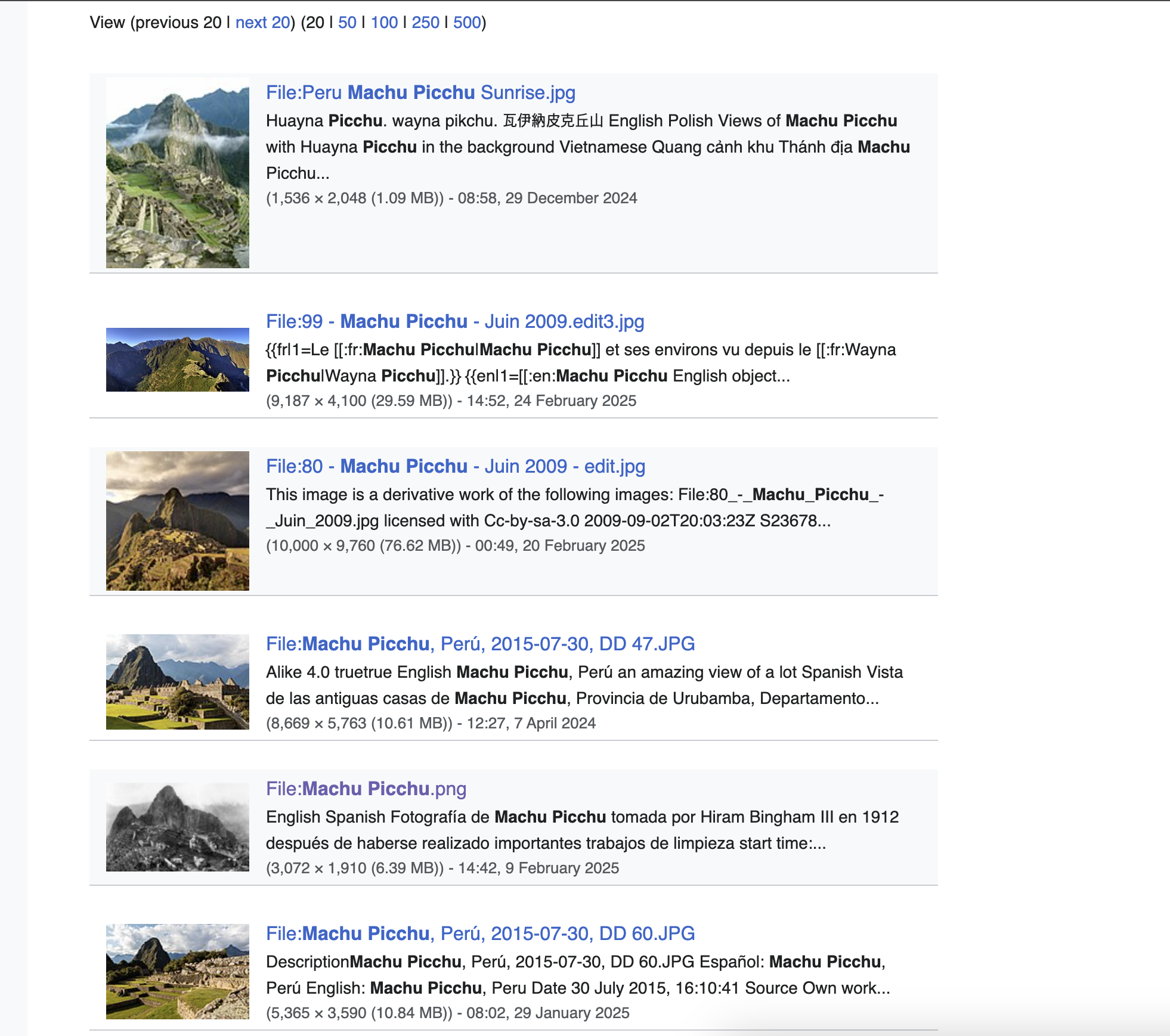
The images in my website were carefully selected, as they carried clear contextual significance. Introducing unrelated images could dilute the meaning of the content, so I ensured that the click-to-view images remained true to their originals. For the additional images mapped to other faces, I selected visually related images from Wikimedia Commons, such as restored versions or slightly different versions of the original image. I also included photographs of the same object taken in the same era to maintain consistency with my content and concept while allowing variation in the cube’s mapping. However, for artworks or photographs with clearly identifiable artists, finding alternative images was impossible, so I kept all six faces mapped to the same image in those cases. Similarly, since the number of available related images was limited, other cubes featured a varying number of images, typically between two and four.
For certain photographic works, multiple versions exist—such as cropped images, colorized restorations, and original frames that showcase old photographic techniques. By incorporating these variations, users can view the same work from different perspectives, making this change a meaningful improvement. Regarding code optimization, the use of 300–400 images required significant loading time. To address this, I leveraged Three.js functionalities like cameraFrustum and instancedMesh, allowing the system to render only the portions visible to the camera. This significantly improved performance by reducing unnecessary rendering and optimizing resource usage.
Moving forward, my plan includes thinking about the website’s title and designing the first page where it will be displayed at first load. Additionally, I aim to improve the animation flow, refine camera movements, and enhance the layouts and design of content display section, along with making adjustments to the current button design for a more polished user experience.